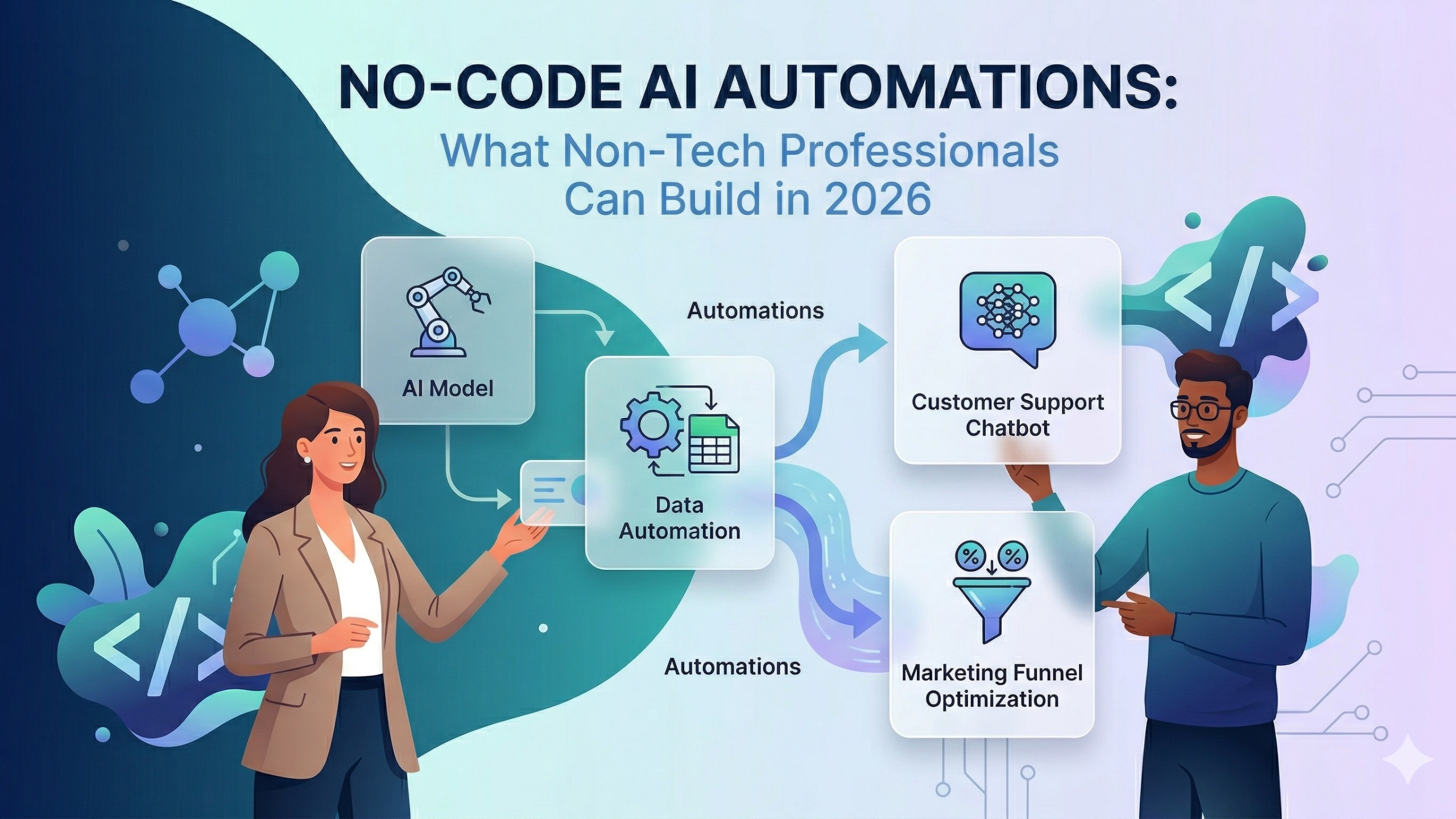
No-Code AI Automations: What Non-Tech Professionals Can Build in 2026
Contents
- Why This Matters Right Now
- What Exactly Is No-Code AI Automation?
- The Tools You Need to Know
- Zapier — The Easiest Starting Point
- Make (formerly Integromat) — More Power, Still No Code
- n8n — The Open-Source Option for Full Control
- Notion AI — Automation Inside Your Workspace
- ChatGPT and Claude — Your AI Thinking Partner
- Real-World Automations Built by Non-Tech Professionals
- HR & Recruitment
- Finance & Accounts
- Marketing & Social Media
- Small Business Operations
- How to Get Started: Your 5-Step Roadmap
- What You Can Realistically Build in 30 Days
- The Skills That Make You Better at This
- Your Next Step
Picture this: It's a Monday morning. Your inbox has 47 unread emails. Your manager wants the weekly report by noon. Three clients are waiting for follow-ups. And somewhere in a shared Google Sheet, there's data that needs to be cleaned, categorised, and turned into a summary before the 3 PM meeting.
You spend the next four hours doing things that feel important but aren't really your job. Data entry. Copy-pasting between tools. Sending the same templated response for the twelfth time this week.
Now picture a colleague who set up a few automations over one weekend — no coding, no IT department, no developer hired. Their Monday looks different. The report builds itself. The follow-up emails go out automatically. The data gets sorted the moment it lands in the sheet.
That colleague is not a tech wizard. They just learned something that most non-technical professionals don't yet know exists: no-code AI automation.
And in 2026, this skill is quietly becoming one of the most valuable things you can add to your professional toolkit — whether you work in HR, Finance, Marketing, run a small business, or are a final-year student preparing to enter the workforce.
Why This Matters Right Now
The conversation around AI in the workplace has largely been framed around two extremes: either "AI will replace your job" or "AI is just a fancy chatbot." Both miss the real story.
The professionals who are genuinely thriving in 2026 are not the ones who are afraid of AI, and they are not the ones who just use ChatGPT to write emails. They are the ones who have learned to orchestrate AI — to connect tools together so that entire workflows run automatically, accurately, and without their constant attention.
This is no-code AI automation. And here is why it matters specifically right now:
- The tools have matured. Platforms like Zapier, Make, and n8n now have visual drag-and-drop interfaces that anyone can learn in a weekend. You do not need to understand APIs or write a single line of code.
- AI has been embedded directly into these platforms. You are not just connecting apps anymore — you are building workflows where AI reads, thinks, decides, and acts as part of the chain.
- Indian employers are noticing. Across HR, Marketing, Operations, and Finance teams in Mumbai, Bengaluru, and Pune, professionals who can demonstrate automation skills are being considered for roles that used to require a dedicated "tools" team.
- The barrier to entry has never been lower. If you can use a smartphone and a spreadsheet, you have everything you need to start.
What Exactly Is No-Code AI Automation?
Think of it as building a digital assembly line — without any engineering degree required.
A no-code automation connects two or more apps and tells them: when this happens here, do that over there. A form is submitted → a row is added to a spreadsheet. A new lead comes in → a WhatsApp message is sent. An invoice is received → it is filed in the right folder.
AI automation takes this further. Instead of just moving data from Point A to Point B, AI can interpret the data, make a decision, and generate a response as part of the workflow. An email arrives → AI reads it → AI categorises it as a complaint, a query, or a compliment → the right team member is notified with a one-line summary → a draft reply is generated for review.
That entire chain runs in seconds, without you touching it.
The Tools You Need to Know
You do not need to master all of these. But knowing what each one does — and when to use it — gives you a complete picture of the no-code AI automation landscape in 2026.
Zapier — The Easiest Starting Point
Best for: Beginners, professionals who want results fast, anyone connecting popular apps (Gmail, Slack, Google Sheets, Notion, WhatsApp Business, HubSpot).
Zapier is the most beginner-friendly automation platform in the world. Its "Zaps" are built through a simple if-this-then-that logic that anyone can follow. You pick a trigger (something that starts the automation), and you pick one or more actions (what happens next).
What a non-tech professional can build on Zapier:
- HR professional: When a candidate submits a Google Form application → automatically add their details to an Airtable tracker → send them a confirmation email → notify the hiring manager on Slack
- Marketing manager: When a new lead fills in a Facebook Lead Ad → add to CRM → send a personalised welcome email → create a follow-up task in Notion
- Small business owner: When a customer places an order on your website → send a WhatsApp confirmation → update your inventory sheet → notify your logistics contact
Zapier also has a built-in AI step that allows you to pass data through ChatGPT or Claude as part of any workflow — summarising, categorising, translating, or generating text without leaving the platform.
Free tier: Available. Generous enough to build and test multiple automations before committing to a paid plan.
Make (formerly Integromat) — More Power, Still No Code
Best for: Professionals who have outgrown Zapier's simplicity and need multi-step, conditional workflows with more control.
Make's visual interface looks like a flowchart. You can see the entire automation laid out as connected modules — which makes complex, branching workflows (if the email contains this keyword, do X; otherwise, do Y) much easier to design and debug.
What a non-tech professional can build on Make:
- Finance team: When an invoice arrives in Gmail → extract the vendor name, amount, and due date using AI → check if the vendor exists in your accounting sheet → if yes, log the invoice automatically → if no, create a new vendor record and flag for approval
- Operations manager: When a support ticket is created in your helpdesk → AI analyses the sentiment and urgency → routes high-urgency tickets to senior staff immediately → sends a holding response to the customer → updates the team dashboard
Make's HTTP module also allows you to connect to virtually any tool that has an API — without writing code. This makes it significantly more flexible than Zapier for connecting with Indian-specific tools and platforms.
Free tier: Available, with 1,000 operations per month — enough to run several active automations at low volume.
n8n — The Open-Source Option for Full Control
Best for: Tech-adjacent professionals, small business owners who want to self-host their automations, and anyone who wants no per-operation pricing limits.
n8n is the open-source automation platform that has gained significant traction among India's startup and SME ecosystem. It can be run on your own server (eliminating ongoing subscription costs) or used via n8n Cloud. Its workflow logic is similar to Make — visual, node-based, drag-and-drop.
What makes n8n particularly relevant for 2026 is its native AI agent capability. You can build a workflow where an AI agent reasons through a multi-step task — not just executing a fixed sequence, but deciding what to do next based on the intermediate results. This is where no-code automation starts to look like the agentic AI systems covered in advanced engineering guides.
What a non-tech professional can build on n8n:
- Small business owner: A customer support agent that reads incoming WhatsApp messages, checks your product FAQ (via a connected knowledge base), generates a response, and sends it — only escalating to a human when it is genuinely uncertain
- HR professional: An automated resume screening workflow that reads CV attachments, extracts key information using AI, scores candidates against a rubric you define, and populates a shortlist tracker — without a single manual review for the initial filter
n8n's self-hosted version is completely free. The cloud version has a free tier with generous limits for small teams.
Notion AI — Automation Inside Your Workspace
Best for: Professionals who already use Notion for project management, note-taking, or documentation and want AI to work within that environment.
Notion AI is not an automation platform in the same sense as Zapier or Make. It is AI embedded directly inside your workspace — helping you summarise meeting notes, generate action items from a page, draft project briefs, translate content, and query your own database with natural language.
What non-tech professionals use it for:
- Marketing teams: Automatically summarise a long research document into a one-page brief
- HR teams: Generate a structured interview question set from a job description in seconds
- Students: Turn messy lecture notes into structured study guides with a single click
- Founders: Write investor update drafts from a bullet-point summary of the week's progress
Notion AI's power is in reducing the time between "raw information" and "usable output" within the workspace where your team already works. It does not require setting up any external connections — it just works on the content already in your Notion pages and databases.
ChatGPT and Claude — Your AI Thinking Partner
Best for: Professionals at every level who need to think through problems, generate content, analyse data, and build the AI-powered steps that live inside their automations.
ChatGPT (OpenAI) and Claude (Anthropic) are large language model interfaces that you interact with through conversation. They are not automation platforms by themselves — but they are the AI inside many of the automations you build on Zapier, Make, and n8n.
Understanding how to use them well — specifically, how to write prompts that produce reliable, structured output — is the skill that determines how effective your automations are. An automation that passes data to an AI step and asks it to "summarise this" will produce inconsistent results. An automation that passes data to an AI step with a precise, structured prompt ("extract the vendor name, invoice number, and total amount from the following email text, and return only a JSON object with keys: vendor, invoice_number, amount") will produce reliable, parseable output every time.
For non-tech professionals, the practical skill here is prompt engineering — not at a technical level, but at the level of knowing how to give AI clear, specific instructions that produce the output your workflow needs.
Both platforms are also increasingly capable of executing tasks directly in their interfaces: ChatGPT with its custom GPTs and Operator feature, Claude with its Projects and tool-use capabilities. For professionals who want AI to handle a recurring task without building a full automation workflow, these interfaces are the fastest starting point.
Real-World Automations Built by Non-Tech Professionals
These are not hypothetical. They are the kinds of automations being built and used by non-technical teams across India right now.
HR & Recruitment
- Automated job application pipeline: Form submission → candidate data extracted → CRM updated → acknowledgement email sent → hiring manager notified → calendar invite for screening call generated
- Interview feedback aggregation: Post-interview Google Form → AI summarises panel feedback → structured summary added to candidate record → hiring decision thread started in Slack
Finance & Accounts
- Invoice processing: Email with PDF attachment received → AI extracts invoice details → cross-checked against purchase orders in spreadsheet → flagged if mismatched → logged in accounting tracker → approval request sent to manager
- Expense report automation: Expense form submitted → AI categorises each line item → totals calculated → report formatted and sent to approver → reminder sent if not approved within 48 hours
Marketing & Social Media
- Content repurposing pipeline: New blog post published → AI generates three social media caption variants → captions scheduled across LinkedIn, Instagram, and Twitter → performance tracking sheet updated with post links
- Lead nurture automation: New lead captured → AI scores lead based on form responses → personalised email sequence triggered → CRM updated → sales team notified if lead score exceeds threshold
Small Business Operations
- Customer query automation: WhatsApp message received → AI reads and classifies query type → FAQ queries answered automatically → product or order queries routed to relevant team member with context summary
- Weekly business summary: Every Monday at 8 AM → AI pulls data from sales sheet, customer feedback form, and inventory tracker → generates a plain-English summary of the week's performance → sends to owner's email
How to Get Started: Your 5-Step Roadmap
You do not need a weekend course or a certification to start. You need a starting point and a willingness to experiment.
Step 1: Pick one repetitive task you do every week. Not the most complex thing. The most annoying thing. The task that feels mechanical, predictable, and like it should not require your brain. That is your first automation candidate.
Step 2: Identify the trigger and the outcome. What starts this task? (An email arrives. A form is submitted. A date occurs.) What should happen when it does? (A row is added. A message is sent. A document is created.) Map this in plain language before touching any tool.
Step 3: Start with Zapier. Create a free account and build your first Zap using the trigger and outcome you identified. Zapier's template library has hundreds of pre-built automations for common scenarios — start there before building from scratch.
Step 4: Add an AI step. Once your basic automation is running, add a ChatGPT or Claude step to one part of the workflow. Use it to summarise, categorise, translate, or generate text from the data passing through. This is where the automation goes from moving data to thinking about it.
Step 5: Iterate and expand. Once one automation is working, you will see three more places where the same approach applies. This is how most non-technical professionals build their automation practice — one workflow at a time, compounding over weeks into a significantly transformed workday.
What You Can Realistically Build in 30 Days
If you commit 30–60 minutes per week to learning and building, here is what most non-technical professionals achieve in their first month:
- Week 1: First working Zap connecting two apps (e.g., Google Form → Google Sheet → Email notification). Total build time: 45 minutes.
- Week 2: First automation with an AI step (e.g., incoming email → AI summary → Slack notification). First encounter with prompt engineering.
- Week 3: First multi-step workflow with a conditional branch (if this, then that; otherwise, this other thing). Make or Zapier's Paths feature.
- Week 4: First automation that saves you more than 2 hours per week. You will feel it. And you will immediately start looking for the next one.
By the end of Month 1, you will have built something real. By the end of Month 3, you will have a portfolio of automations that collectively give you back 5–8 hours per week — and a skill set that is increasingly visible and valued in the Indian job market.
The Skills That Make You Better at This
No-code AI automation is a skill, not just a collection of tools. The professionals who get the most out of it develop three underlying capabilities:
Process thinking. The ability to look at a workflow and see it as a sequence of discrete, reproducible steps. If you cannot describe a process step-by-step in plain language, you cannot automate it. The act of trying to automate something teaches you to think about your work more clearly — which is valuable even when the automation does not pan out.
Prompt engineering (at a practical level). Not the advanced kind. The kind where you know how to give AI specific, structured instructions that produce reliable output. This is a learnable skill that improves rapidly with practice.
Comfort with experimentation. Automations rarely work perfectly on the first attempt. Something needs adjusting — a field mapping, a prompt instruction, a trigger condition. Professionals who iterate without frustration build better automations faster than those who expect everything to work immediately.
None of these require a technical background. They require curiosity and a willingness to try.
Your Next Step
The biggest mistake non-technical professionals make with AI and automation is waiting until they feel "ready" — until they have taken the right course, read enough articles, or understood every feature of every tool.
You will never feel ready before you start. You will feel ready after your first working automation.
Start this week. Pick one task. Build one Zap. See what happens.
And when you are ready to go further — to learn how to build more sophisticated workflows, use AI agents inside your automations, connect tools that handle sensitive business data, and develop the kind of AI fluency that genuinely moves your career forward.